Scheduling is used to execute one or more orders at a given time and day(s). You can create them from the tablet’s Scheduling tab. To find out more: https: //youtu.be/YTTc4HjkAX0
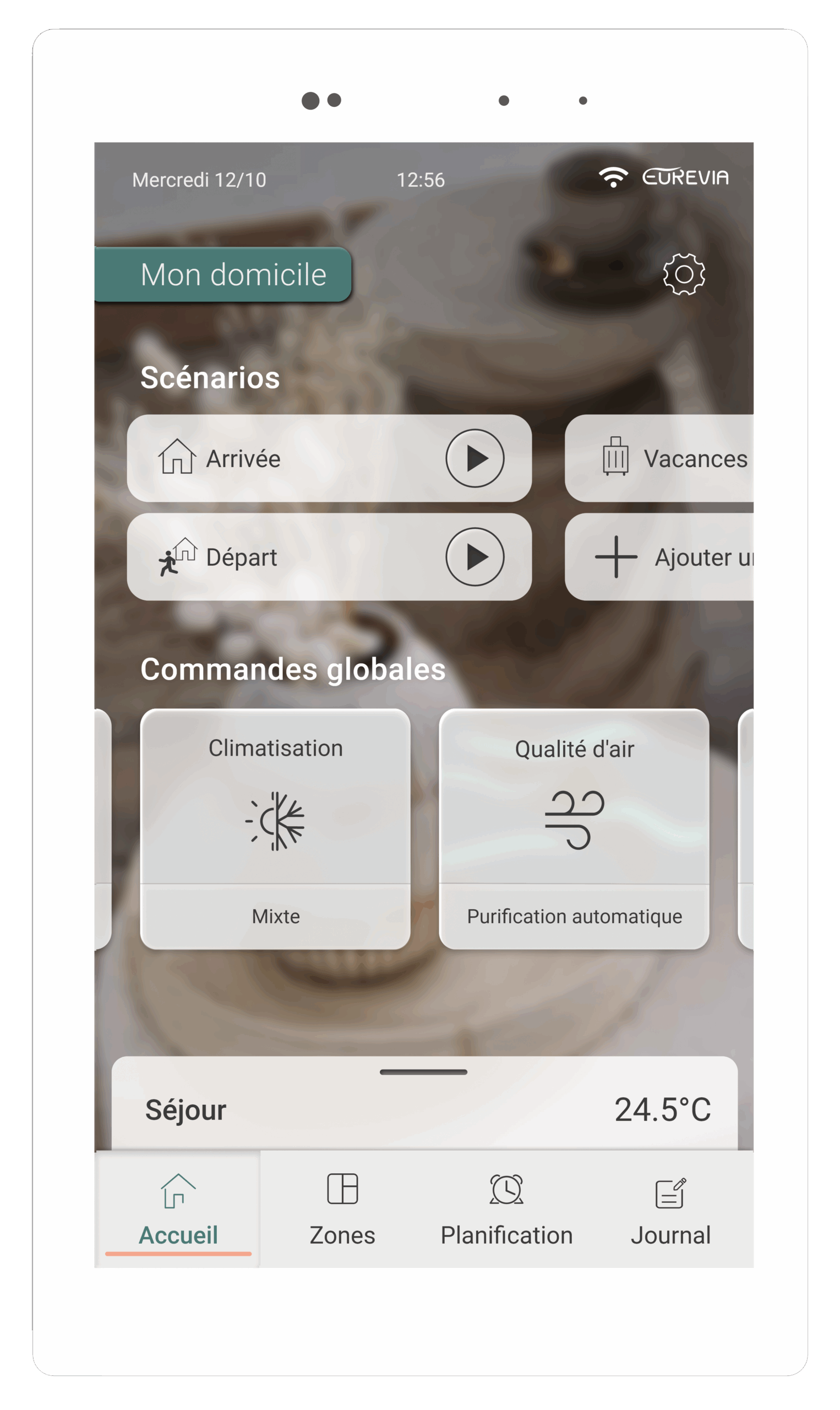
Global commands affect all zones simultaneously. For example, if you’re going to be away for a day and want to reduce your energy consumption, you can activate the “Eco” mode for all rooms using the global heating/air-conditioning command.
Purification improves the air quality in your home. You can start it manually or program it using a schedule. It is activated for all rooms in the home and takes priority over temperature control. The effectiveness of purification depends on the filter installed in the ceiling unit. There are two types of filter: the G4 < 0 > filter, which offers standard filtration, and the F7 filter. guaranteeing high filtration efficiency (85% of fine particles and 60% of ultra-fine particles). If you have a G4 filter, you can replace it with an F7 filter.
When purification is activated, all zones are treated.
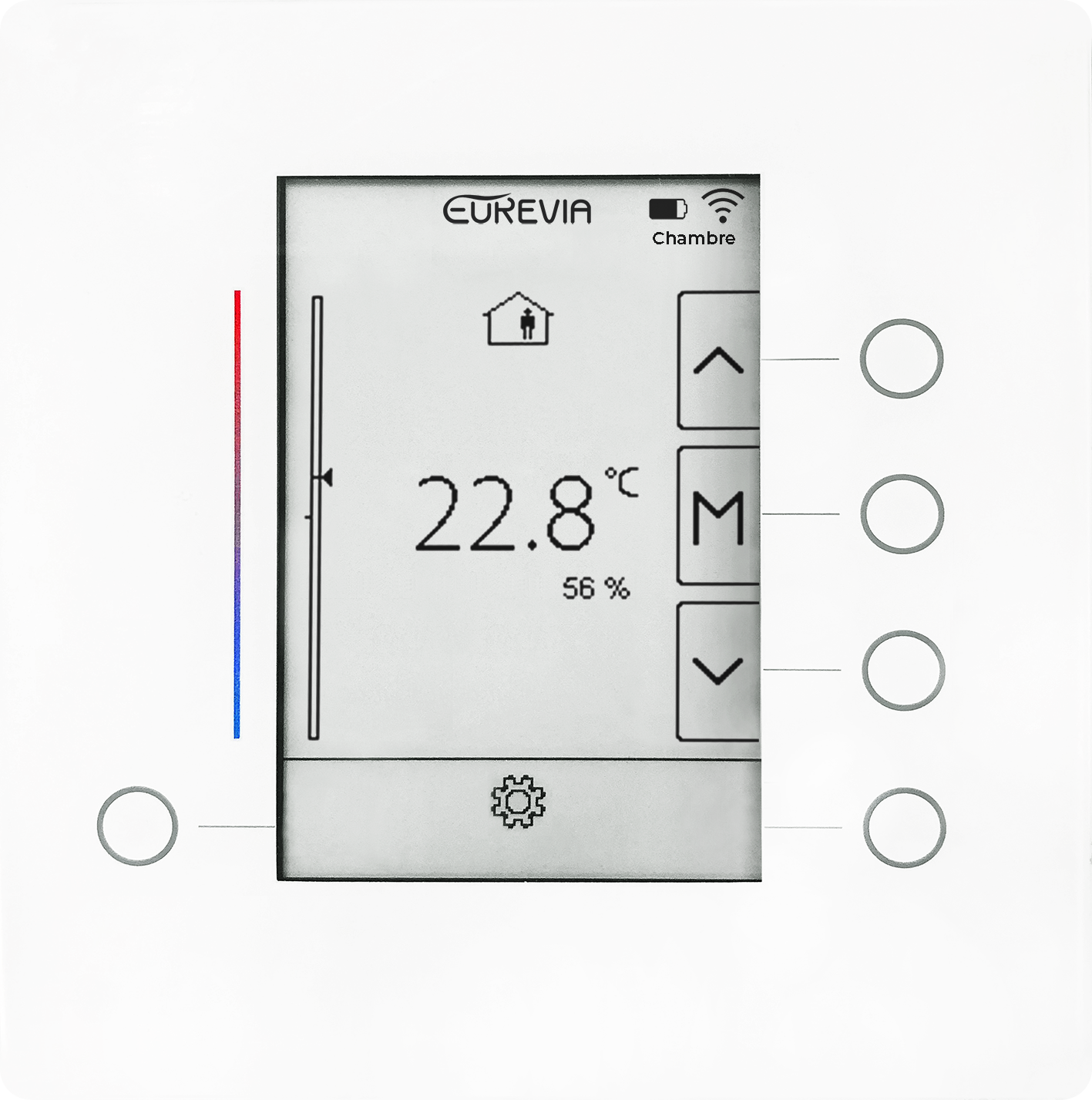
If there is no connection between your thermostat and your touchscreen interface, there are 3 possible scenarios:
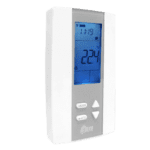
1. The battery icon on the thermostat indicates that the batteries are low, so it is necessary to change the 2 batteries.
2. Thermostat connection icon shows a single dot, meaning it is out of range of the touchscreen interface. Check that the interface is functional. If the thermostat has been moved, return it to its original position.
3. If the thermostat connection icon shows a crossed-out signal, you need to resynchronize the thermostat and the tablet from the advanced settings of the zone concerned.
1. If you wish to limit the noise level of your installation, activate the“Silent” mode from: Home > Global controls heating / air conditioning. > Advanced settings > Fan power: Silent / Normal / Increased.
(Note: reducing the system’s ventilation power has an impact on its thermal performance).
2. If this setting is not sufficient to obtain the desired comfort, you can contact our service department for advanced settings.
The system maintains the desired ambient temperature in each room.
Reduced” mode:
Reduces energy consumption at night or during short absences.
The system maintains a room temperature above 18°C and below 27°C depending on the season; these values can be adjusted in the advanced settings.
Eco” mode :
Significantly reduces energy consumption during extended periods of absence.
The system maintains a room temperature above 15°C and below 30°C, depending on the season; these values can be adjusted in the advanced settings.
Off” mode :
The system is completely switched off, unless the temperature drops below 10°C, to prevent freezing. For use during long absences.
(Note: “Reduced” and “Eco” modes limit energy consumption over selected periods by shifting temperature setpoints. This implies a reduction in fan running time and heat or cold production).
If the software version of your touchscreen interface is earlier than version 2.1, “Boost” mode can be activated zone by zone from the different zones of the touchscreen interface.
When the “Boost” mode is activated, ventilation is boosted to quickly bring the home up to temperature (hot or cold, depending on the season).
If “Boost” mode is active in one zone and a second zone requires heating or cooling, this zone will also benefit from “Boost” mode.
The “Boost” function stops automatically when the desired temperature is reached.
From version 2.1 onwards, the “Boost” mode can be activated from the global controls. It acts on all rooms in the home, and stops automatically when all rooms reach the required temperature, or after a programmed time (2 h by default, customizable).
It is impossible to isolate a room to increase air flow, as the ventilation system operates globally. However, it is possible to increase the overall power of the machine’s fan from: Home >Global heating/air conditioning controls >> Advanced settings >Ventilation power: Silent/Normal/Increased.
Dans le cas où votre ventilation est toujours active, il est possible que le mode purification soit configuré manuellement : Mini / Moyen / Maxi. Pour que laventilation s’arrête automatiquement en fonction de votre besoin de chauffage ou de rafraîchissement, votre gestion de qualité d’air doit être en mode “Auto“.
Filter maintenance is essential for the proper operation of your system and to ensure good air quality throughout your home. We recommend changing filters atleast oncea year under normal operating conditions.
As a sophisticated IT product, it is necessary for the touchscreen interface to reboot to ensure proper system operation. If necessary, the reboot is managed by the touchscreen itself.


 guaranteeing high filtration efficiency (85% of fine particles and 60% of ultra-fine particles). If you have a G4 filter, you can replace it with an F7 filter.
  > Fan power: Silent / Normal / Increased.